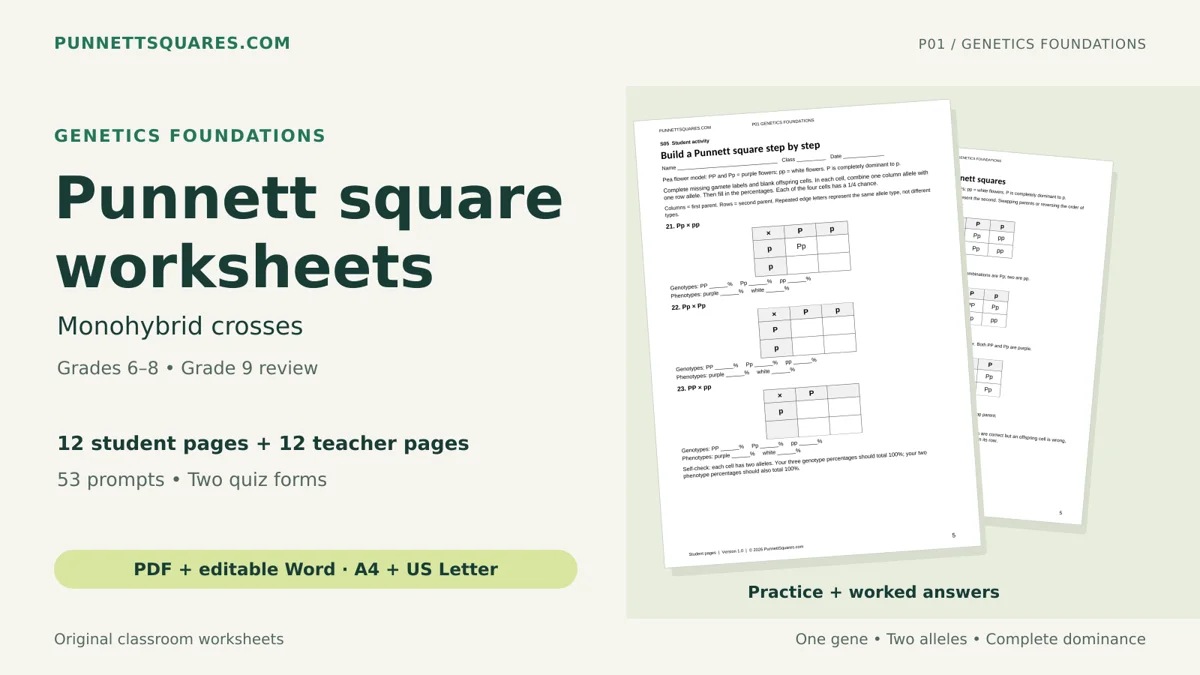
Suggested grades 6–8
Genetics Foundations
Build confidence with vocabulary, guided one-gene crosses and independent practice.
View pack on Gumroad (opens in a new tab)Practice Punnett squares online with instant feedback. Choose beginner, intermediate, or advanced genetics problems, fill the offspring grid, correct mistakes, and move to the next question automatically after a correct answer. Teachers can also generate a printable worksheet for classwork, revision, or homework and save it as a PDF from the browser print dialog.
Teaching one-gene crosses? Explore the printable pack and free sample.
Select a level, solve the grid, track your score, and print a worksheet with an answer key.
Choose practice level
4 questions available in Beginner. Each completed question checks every cell plus both ratios.
Beginner | Complete dominance
Attempt 1 · skip unlocks after 2 misses
Tall pea plants are dominant to short plants. Cross two heterozygous tall plants.
| Gametes | T | t |
|---|---|---|
| T | ||
| t |
Question actions
Skip this question appears after two wrong attempts, so students get a fair chance to correct their work first.
Printable worksheet
Create a classroom-ready worksheet with blank Punnett squares, student name/class/date fields, and optional answers. No popup permission is required. When the browser print dialog opens, choose Save as PDF to download a PDF file.
Tip: choose your printer for a paper copy, or choose Save as PDF for a downloadable file.
This final section stays below the activity. Correct questions add points and auto-load the next problem. Skipped questions count as completed with zero points.
Score
0%
Points
0/0
Completed
0
Streak
0
Genetics Foundations · Grades 6–8
Build from genetics vocabulary to guided crosses, independent practice and reasoning. This printable pack focuses on one-gene crosses with complete dominance, using pea plants.
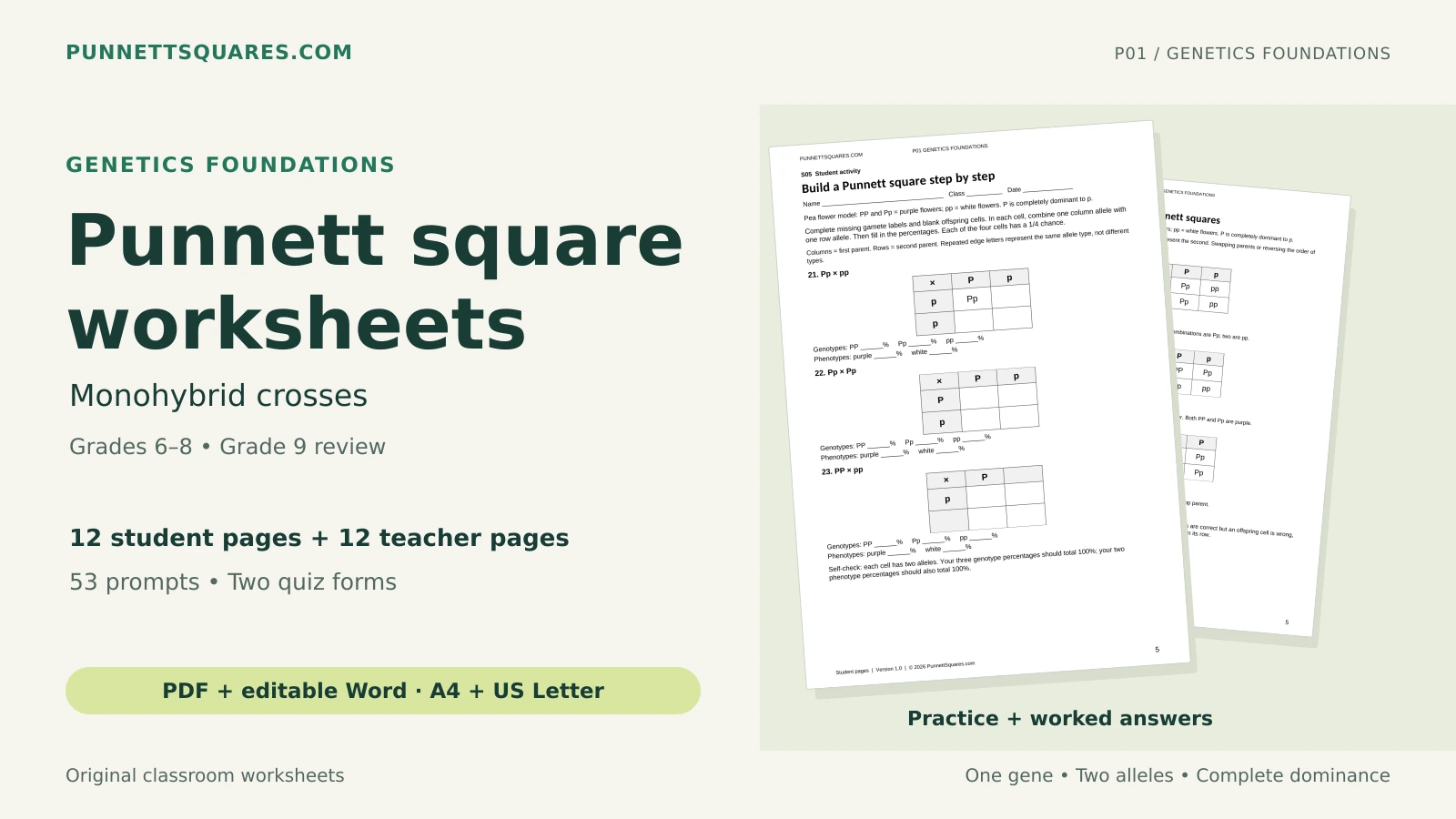
Both links open Gumroad in a new tab. The sample contains two activities and their answers from the full pack. Pack price is in USD. Digital files; no physical product.
Practice beyond the calculator
Topic-focused practice with worked answers. Choose a pack that matches what you are teaching.
Suggested grades 6–8
Build confidence with vocabulary, guided one-gene crosses and independent practice.
View pack on Gumroad (opens in a new tab)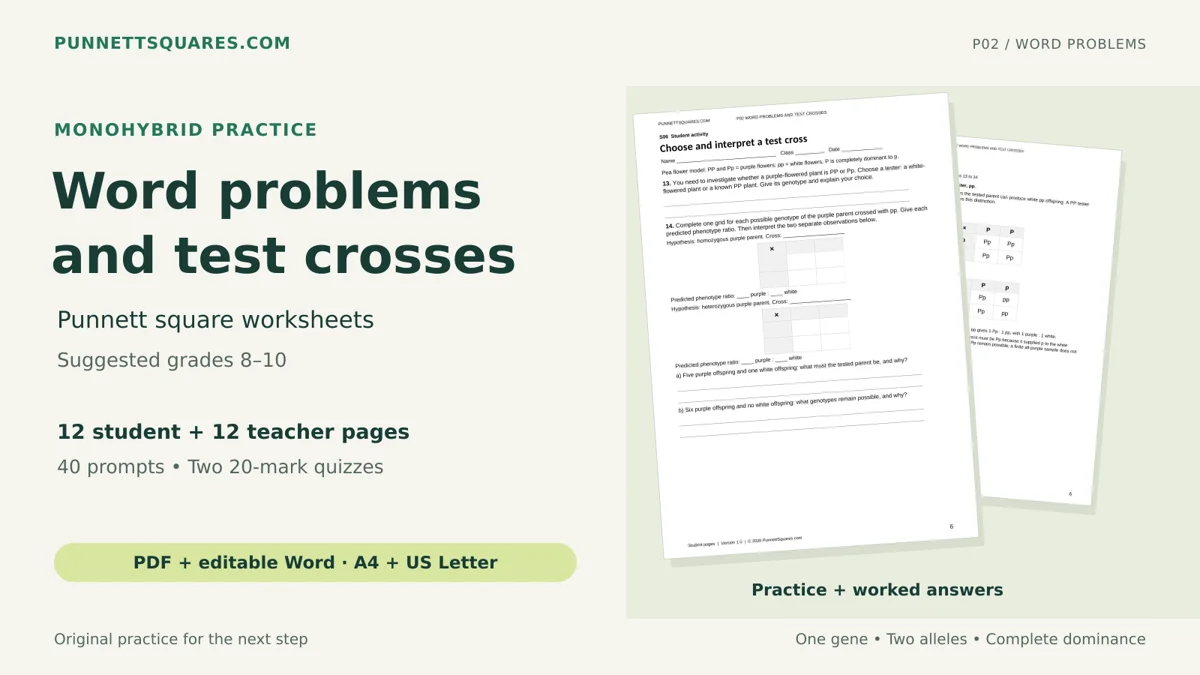
Suggested grades 8–10
Turn word problems into crosses, interpret results and reason through test crosses.
View pack on Gumroad (opens in a new tab)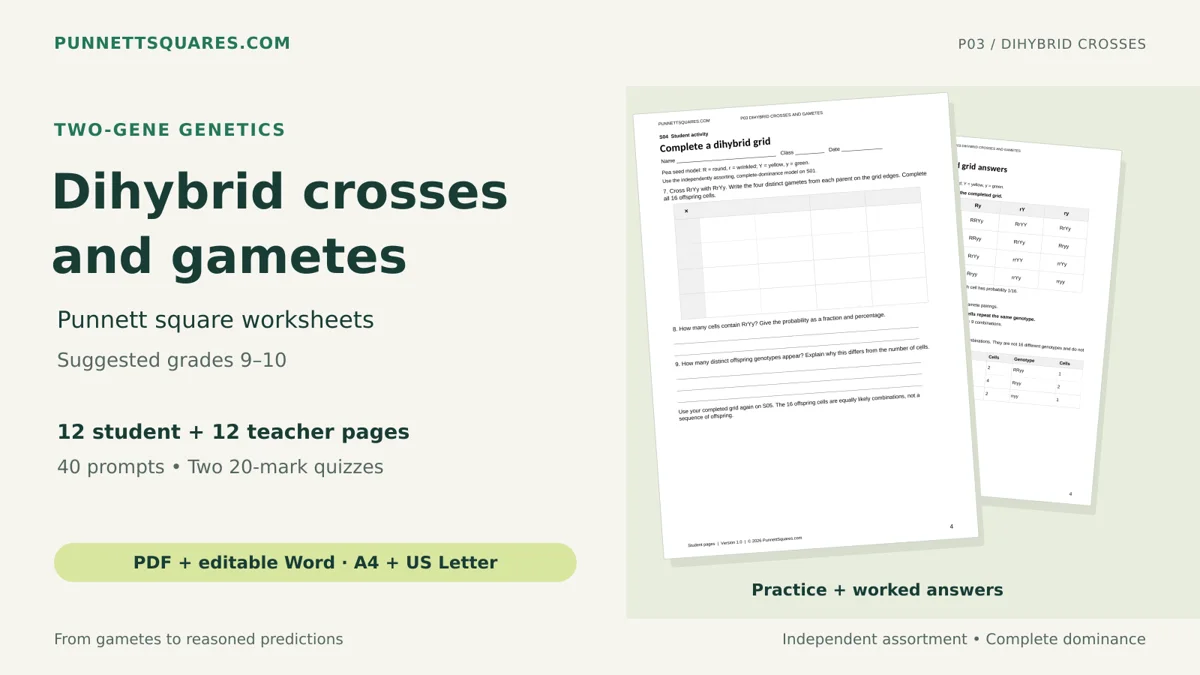
Suggested grades 9–10
Find gametes, complete two-gene crosses and interpret probability under independent assortment.
View pack on Gumroad (opens in a new tab)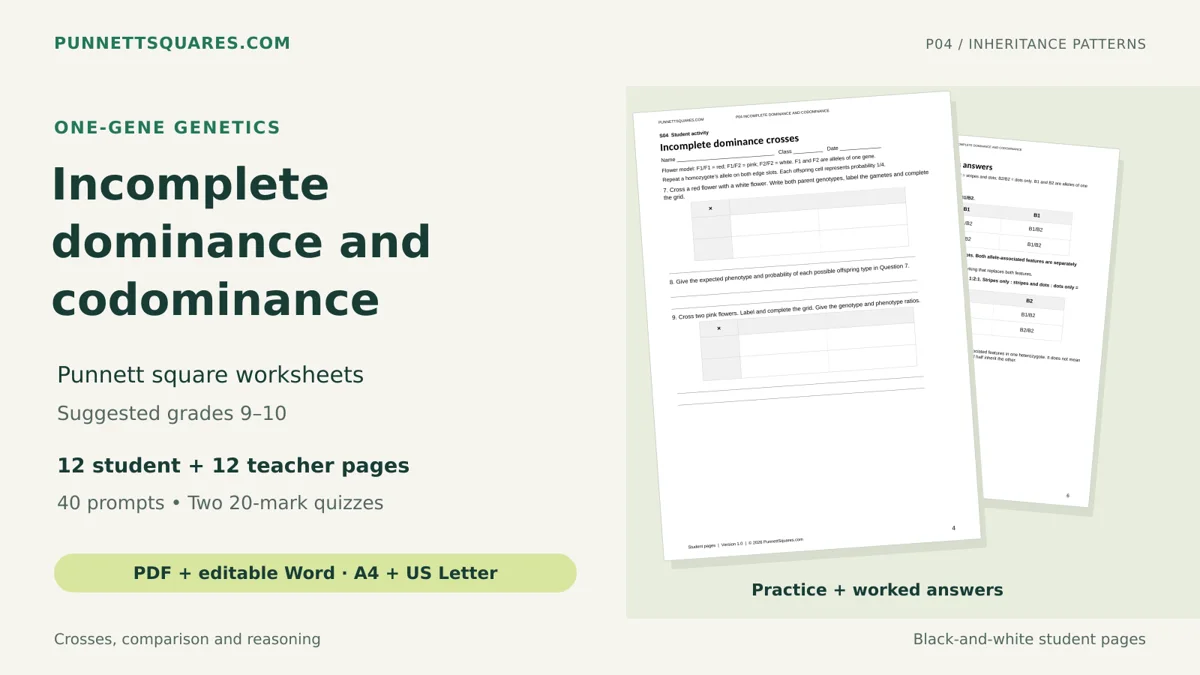
Suggested grades 9–10
Compare inheritance patterns with fictional flower and beetle models and worked explanations.
View pack on Gumroad (opens in a new tab)
Suggested grades 9–10
Practice multiple alleles, known and unknown genotypes, and fictional ABO records.
View pack on Gumroad (opens in a new tab)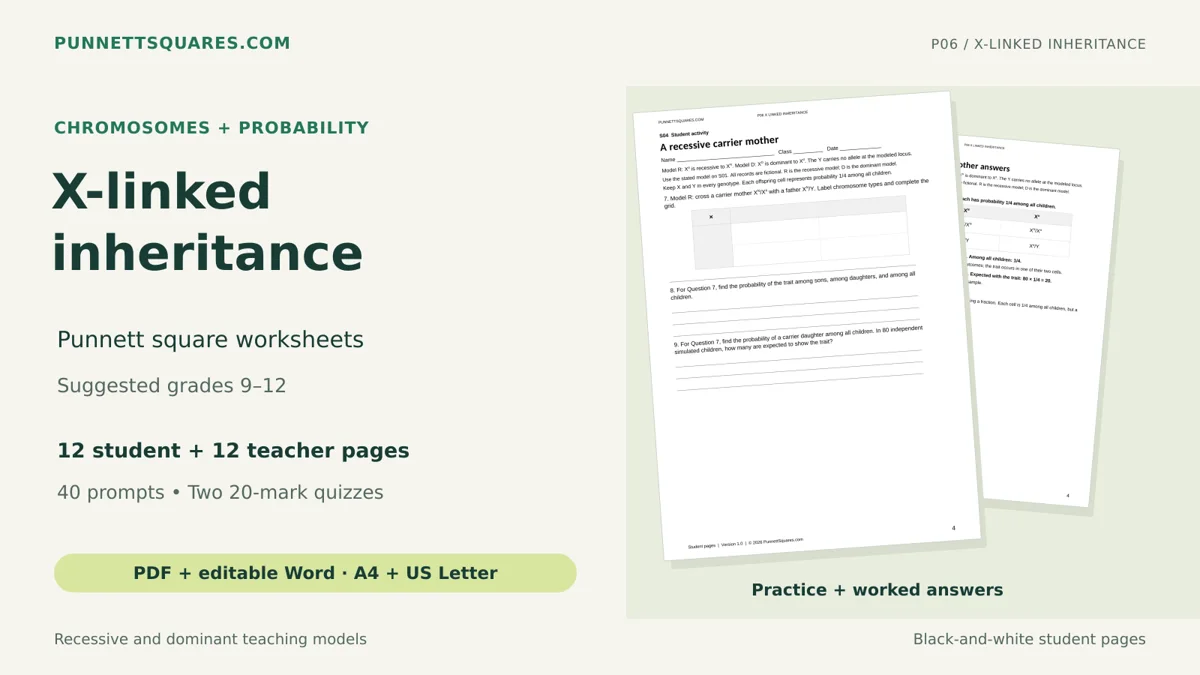
Suggested grades 9–12
Practice X-linked crosses and distinguish probabilities among sons, daughters and all children.
View pack on Gumroad (opens in a new tab)Digital files. Full packs include PDF and editable Word in A4 and US Letter. Current prices are shown on Gumroad.
A Punnett square practice worksheet helps students predict inherited traits from parent genotypes. Each problem gives a genetic cross, such as Tt × Tt, and asks the student to complete the offspring grid. The final answer includes the genotype ratio, phenotype ratio, and probability of each trait.
This interactive version works like a self-checking worksheet. Students type each offspring genotype into the grid, enter ratios, and receive a score. Teachers can also generate a classroom-ready worksheet with name, class, and date fields, then print it or save it as a PDF.
The tool covers complete dominance, incomplete dominance Punnett squares, codominance practice, ABO blood type inheritance, monohybrid crosses, and dihybrid crosses. It is designed for biology classes where students need repeated practice before exams or lab reports.
Start with one-gene crosses. Students practice homozygous, heterozygous, dominant, recessive, and simple genotype ratios such as 1:2:1 and 1:1.
Move into non-Mendelian patterns. Problems include incomplete dominance, codominance, blood type inheritance, and test crosses with phenotype labels.
Solve two-gene crosses. Advanced questions include dihybrid grids, independent assortment, mixed inheritance patterns, and larger probability ratios.
Students who need focused review can also practise test crosses or compare their two-trait answers with the dihybrid cross probability calculator.
| Skill | What students do | Example |
|---|---|---|
| Gamete formation | Separate parent alleles into possible gametes. | AaBb makes AB, Ab, aB, and ab |
| Genotype prediction | Combine gametes in each square. | T × t gives Tt |
| Phenotype interpretation | Translate genotypes into visible traits. | Tt may show tall if T is dominant |
| Ratio simplification | Count and simplify offspring classes. | 9:3:3:1 or 1:2:1 |
| Inheritance comparison | Compare complete dominance, incomplete dominance, and codominance. | Pink flowers vs roan cattle |
A worksheet is best for learning the process. It makes students write gametes, complete boxes, and count ratios by hand. A calculator is best for checking work after the student has attempted the problem.
For guided checking, use the main Punnett Square Calculator after the student has attempted the worksheet. Students can also review probability logic with the phenotype probability calculator and strengthen carrier problems with the carrier probability calculator. This keeps the learning active while still giving a fast way to verify difficult answers.
Generate full Punnett squares from parent genotypes and compare ratios.
Open CalculatorPractice two-trait crosses and understand the 9:3:3:1 phenotype ratio.
Open CalculatorLearn crosses where both alleles show together in heterozygotes.
Open CalculatorMove from two traits to three and calculate AaBbCc genotype and phenotype probabilities.
Open Calculator